7 Product Page Mistakes That Confuse AI Crawlers
Learn the seven product page mistakes that confuse AI crawlers on Shopify stores, plus the simple fixes that improve clarity, schema, and context.
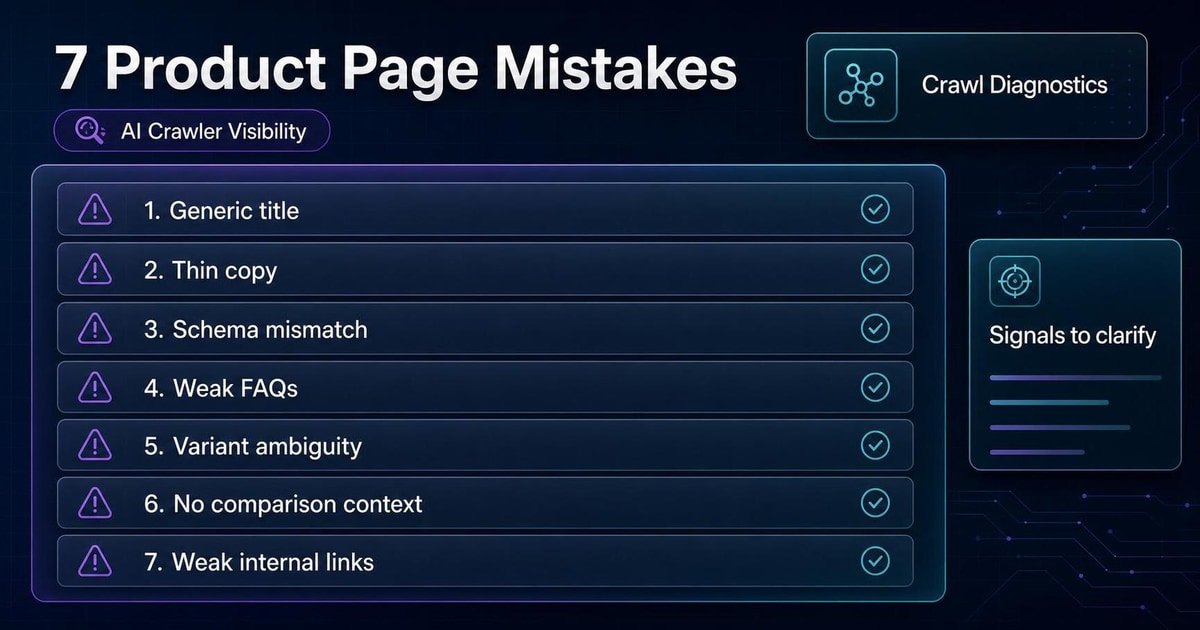
Some Shopify product pages are technically live but practically confusing. They have a product title, a few lines of copy, maybe a schema block, and a purchase button. That can be enough for a checkout flow, but not enough for an AI system to summarize the product cleanly.
If a page is vague, inconsistent, or missing important facts, AI systems have to guess. That is where summary quality drops.
This article walks through seven common mistakes and the fix for each one.
1. Generic Product Titles
Symptom
The title is too broad or too promotional.
Examples:
- "Everyday Carry"
- "Premium Style Bag"
- "Best Seller Backpack"
Why It Matters
If the title does not say what the product is, AI systems have less to work with when summarizing the page.
Fix
Make the title specific enough to identify the product at a glance.
Better:
22L Commuter Backpack With Laptop Sleeve2. Thin Or Copy-Paste Descriptions
Symptom
The description uses broad phrases that could fit almost any product.
Examples:
- "Made with premium quality materials."
- "Designed for everyday use."
- "A must-have for your routine."
Why It Matters
Generic copy does not explain the product, the customer, or the use case.
Fix
Add one useful paragraph that explains what the product is, who it is for, and what makes it different.
Better:
This 22L commuter backpack is built for people who carry a 14-inch laptop, a water bottle, and daily work essentials in one bag. The padded sleeve protects the device, while the front organizer keeps cables and notebooks separate.3. Schema That Does Not Match The Page
Symptom
The structured data says one thing, while the page copy says something else.
Why It Matters
AI systems and crawlers use structured data as a machine-readable signal. If it disagrees with the visible page, the signal becomes less trustworthy.
Fix
Make sure the schema and visible copy agree on:
- Product name
- Description
- Price
- Availability
- Images
- Brand
- Variant logic
4. FAQs That Do Not Answer Real Questions
Symptom
The FAQ section repeats marketing language or asks fake questions.
Examples:
- "Is this backpack amazing?"
- "Why is this product great?"
Why It Matters
FAQs should reduce uncertainty. If they do not answer actual buyer questions, they waste space.
Fix
Write FAQs based on the questions shoppers actually ask.
Better:
- Will this fit a 14-inch laptop?
- Which size should I choose?
- What is included?
- How do I care for it?
5. Missing Variant Explanations
Symptom
The page lists size, color, or bundle options, but never explains the difference.
Why It Matters
AI systems need decision context. If the variants look interchangeable, the page stays ambiguous.
Fix
Explain what changes between variants in plain language.
Better:
Small works for daily essentials, Medium fits a tablet plus work accessories, and Large adds room for a 14-inch laptop.6. No Comparison Context
Symptom
The product page never explains how the item differs from nearby products.
Why It Matters
Without comparison context, the catalog becomes harder to navigate for shoppers and machines.
Fix
Add one short block that explains when to choose this product instead of a similar one.
Better:
Choose the tote if you want open carry and quick packing. Choose the backpack if you need laptop padding and hands-free transport.7. Weak Media And Internal Links
Symptom
Images show the product, but not the product in use. The page also has no useful internal links.
Why It Matters
Context lives across the page, not just in the title and description. Images, alt text, and links help round out the product story.
Fix
- Use images that show scale or use case.
- Write descriptive alt text.
- Link to relevant collections, guides, or FAQs.
Quick Diagnostic Checklist
- The title is specific.
- The description explains the product clearly.
- Schema matches the visible page.
- FAQs answer real shopper questions.
- Variants are explained in plain language.
- The page helps shoppers compare related products.
- Images and internal links add context.
What To Fix First
Start with the pages that matter most:
1. Best sellers. 2. High-traffic product pages. 3. Products with many support questions. 4. Pages that sit next to similar products.
Fix the biggest clarity gap first. Do not rewrite the whole catalog before you know which pages actually need help.
Where AnswerAtlas Fits
AnswerAtlas is built to find these kinds of clarity gaps. The app helps Shopify teams see which product pages are vague, where schema disagrees with visible content, and where the catalog needs clearer context before AI systems can summarize it well.
If a product page fails more than a couple of the checks above, it is a good candidate for an AI readiness audit.
Next step
See how AI-readable your Shopify catalog is.
AnswerAtlas can scan product pages for AI-readiness signals such as structured data, catalog clarity, and crawler-friendly content.
Open Shopify App Store listing