AI Crawler Visibility For Ecommerce: What Store Teams Should Monitor
Learn what AI crawler visibility can and cannot tell ecommerce teams, plus a practical checklist for priority pages.
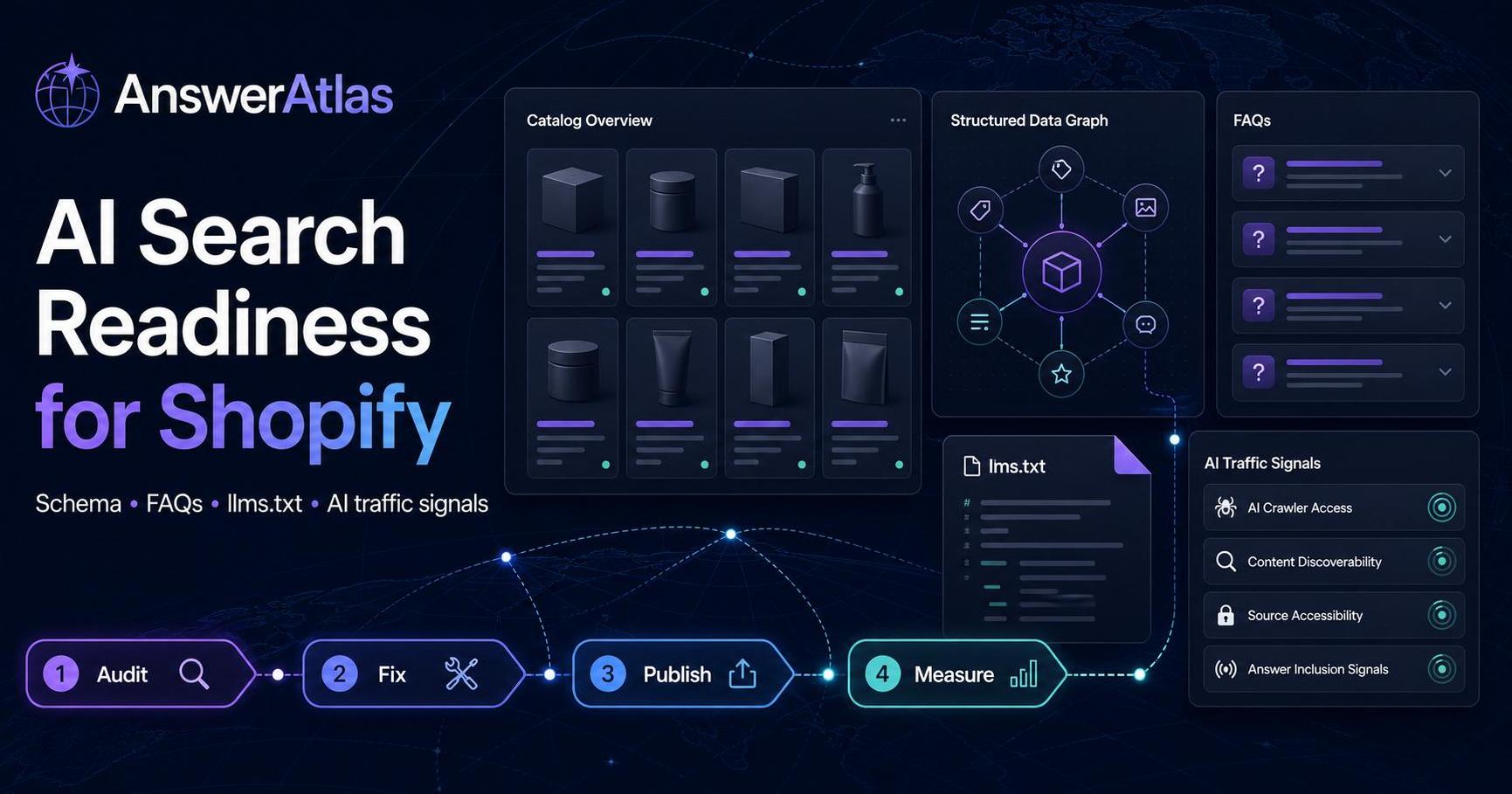
AI crawler visibility sounds simple: check whether AI-related crawlers can reach your ecommerce pages. In practice, it is only one part of AI search readiness.
A crawler request does not prove that an AI answer will mention your store. It does not prove that a model understood your product correctly. It does not prove that shoppers will see or trust the result.
What it can tell you is still useful: whether important pages are accessible, whether technical blockers are getting in the way, and whether your catalog is exposed in a way that AI systems could potentially read.
For Shopify teams, that makes crawler visibility a monitoring layer, not the entire strategy.
What Is An AI Crawler?
An AI crawler is a bot or automated agent that requests pages, files, or assets to help an AI system discover, retrieve, summarize, index, or reason over web content.
Different systems may crawl for different reasons:
- Search and answer interfaces may retrieve pages for fresh context.
- AI assistants may fetch URLs during a browsing or research workflow.
- Model providers may use crawlers for indexing, retrieval, or safety workflows.
- Shopping or commerce agents may request product, collection, policy, or review pages.
The exact behavior can vary by platform and can change over time. That is why store teams should monitor patterns rather than rely on one static list of crawler names.
Crawler Access Is Not Product Understanding
A crawler reaching your page is only the first step.
For an ecommerce product page to be useful to AI systems, several things need to be true:
1. The URL can be discovered. 2. The page can be accessed without accidental blocking. 3. The content loads in a readable way. 4. Product facts are clear and consistent. 5. Structured data supports the visible content. 6. The page answers common buyer questions. 7. Inventory, pricing, and availability are not stale or contradictory.
If the crawler reaches a page with thin copy, missing schema, confusing variants, hidden content, or outdated availability, access alone will not solve the problem.
Pages Worth Monitoring First
Do not start by monitoring every URL equally. Start with pages that matter commercially and semantically.
For Shopify stores, priority pages usually include:
- Top-selling product pages.
- Product pages with high margin or strategic importance.
- Collection pages that explain a category or buying path.
- Buying guides and comparison pages.
- FAQ, shipping, returns, warranty, and sizing pages.
- Product review or education pages when they are crawlable and public.
- Your homepage and core brand pages.
- Optional orientation files such as sitemap,
robots.txt, andllms.txt.
This priority set keeps monitoring practical. If AI-related crawlers can access random low-value URLs but miss your most important products, the store still has a readiness gap.
What To Check In Logs Or Crawl Reports
Crawler visibility work usually starts with logs, analytics, crawl tools, CDN data, or platform-level request records. The exact source depends on your hosting setup and app stack.
Look for these checks:
| Check | Why it matters | What to watch for |
|---|---|---|
| Requests to priority product pages | Shows whether important URLs are being accessed. | No requests, repeated errors, or only low-value pages requested. |
| HTTP status codes | Crawlers need stable responses. | 404s, 500s, redirect chains, blocked responses. |
| Robots and noindex rules | Access rules can block important pages. | Accidental disallow rules or noindex on commercial pages. |
| Sitemap coverage | Discovery often starts with clean URL lists. | Missing priority products or stale URLs. |
| Canonical tags | Canonicals help clarify the preferred URL. | Product pages canonicalizing to the wrong URL. |
| Rendered content availability | Some content may be delayed or hidden. | Product facts only visible after scripts or interactions. |
| Structured data presence | Schema helps machines parse product facts. | Missing Product or Offer fields, stale availability, inconsistent prices. |
| Request frequency changes | Spikes or drops can indicate changing crawl behavior. | Sudden disappearance from priority URLs. |
A single failed request is not a crisis. Repeated patterns across important pages deserve attention.
Shopify-Specific Watchouts
Shopify stores can be very crawlable, but apps, themes, redirects, and content patterns can introduce confusion.
Common watchouts include:
- Product pages with thin descriptions copied from suppliers.
- Variant-heavy products where size, color, material, or compatibility is unclear.
- Review or FAQ content that is visible to shoppers but not reflected in structured data.
- Collection pages that list products but do not explain the category or buying criteria.
- App-injected content that loads slowly or inconsistently.
- Redirects from old product URLs to unrelated pages.
- Duplicate product URLs across collections without clear canonical handling.
- Out-of-stock products that still look available in schema or page copy.
Crawler monitoring can reveal access problems, but content and schema review are needed to understand whether the page is useful after access.
How robots.txt, Sitemap, And llms.txt Fit
These files solve different jobs.
robots.txt communicates crawl access rules. It can allow or disallow certain paths, but it does not explain your products.
A sitemap lists canonical URLs that should be discoverable. It helps expose product, collection, and content pages, but it does not summarize their meaning.
llms.txt is an emerging proposal for giving language models a cleaner orientation file. For Shopify stores, it may become useful for pointing to priority catalog, guide, policy, and support content. But it is not a guarantee that AI systems will read, honor, cite, or rank those links.
Use all three carefully:
- Keep
robots.txtfrom accidentally blocking useful pages. - Keep sitemap URLs current and canonical.
- Use
llms.txtonly as an orientation layer, not as a substitute for strong product pages.
For more context, read the AnswerAtlas guide to `llms.txt` for Shopify stores.
A Practical Monitoring Checklist
Use this checklist for the first 20 priority product pages and supporting pages.
Discovery
- Priority product pages are in the sitemap.
- Collection and guide pages are discoverable through internal links.
- Core policy and support pages are reachable from public navigation or footer links.
- Optional
llms.txtpoints to useful public pages rather than thin or private URLs.
Access
- Priority URLs return
200responses. - Redirects are intentional and short.
- Important pages are not accidentally disallowed in
robots.txt. - Important pages are not marked
noindexunless there is a clear reason. - Page content is not hidden behind login, geolocation, or heavy interaction requirements.
Product Understanding
- Product names clearly identify the item.
- Descriptions explain use case, audience, materials, dimensions, or compatibility.
- Product schema matches visible product facts.
- Offer, price, currency, and availability data are current.
- FAQ or buyer-question content exists for products that need explanation.
Monitoring
- Logs or CDN reports can identify bot/crawler requests at least directionally.
- Priority page status codes are reviewed regularly.
- Crawler request patterns are compared with recent site changes.
- AI-related referral sessions are tracked separately from crawler requests.
- Findings turn into fixes, not just dashboard notes.
Limits Of Crawler Data
Crawler data can be incomplete.
User-agent strings can change. Some systems may use generic fetchers. Some requests may be blocked, cached, proxied, or hidden behind platform infrastructure. Some AI experiences may not pass referrer data when a human later visits your site.
That means crawler visibility should be reported with caveats:
- It can show access patterns.
- It can reveal blockers.
- It can help prioritize technical fixes.
- It cannot prove answer inclusion.
- It cannot prove citation quality.
- It cannot prove revenue impact by itself.
The safest report combines crawler data with readiness checks, referral signals, and conversion events.
What To Fix First
If monitoring shows a problem, prioritize fixes in this order:
1. Blocked or broken priority pages: fix 404s, 500s, accidental disallow rules, and bad redirects. 2. Stale product facts: align visible copy, schema, price, currency, and availability. 3. Thin product explanations: add buyer-useful details and answer common questions. 4. Weak internal discovery: improve links from collections, guides, sitemap, and optional orientation files. 5. Measurement gaps: tag CTAs, review referrers, and compare crawl signals with readiness work.
This order keeps crawler visibility connected to business outcomes. The goal is not to get every bot to hit every URL. The goal is to make important catalog pages accessible, readable, and useful.
How AnswerAtlas Fits
AnswerAtlas treats crawler visibility as one signal in a broader AI Search Readiness workflow. A useful audit should show which pages are reachable, which product facts are unclear, where schema is incomplete, and which fixes can make the catalog easier for answer engines and shopping agents to understand.
If you are not sure where to start, pick your top product pages and audit the basics: access, schema, product clarity, FAQ gaps, and catalog exposure. Crawler visibility becomes much more meaningful once those pages are worth crawling.
Next step
See how AI-readable your Shopify catalog is.
AnswerAtlas can scan product pages for AI-readiness signals such as structured data, catalog clarity, and crawler-friendly content.
Open Shopify App Store listing